Build automations with Flows
Build automations from plain language, create pages and apps from a description, and share work from one place.
Bidlo Team
Editorial team, Bidlo
This week, Bidlo adds workspace automations, builds pages and apps from a description, and puts page sharing in one clear place.
Describe an automation in plain language. Bidlo assembles the steps on a canvas, or you can build the flow yourself. A flow can run on a schedule, from a webhook, when collection data changes, or by hand. Connect steps to update data, call an API, ask the assistant, send a notification, branch, wait, merge paths, or run code. Credentials stay encrypted, and every run keeps a readable, step-by-step log.
HCSS estimates now use the same flow system to sync into a dedicated Estimates collection every ten minutes. Estimates link to matching projects and agencies, and you can open the flow to change the schedule, pause it, or add more steps.
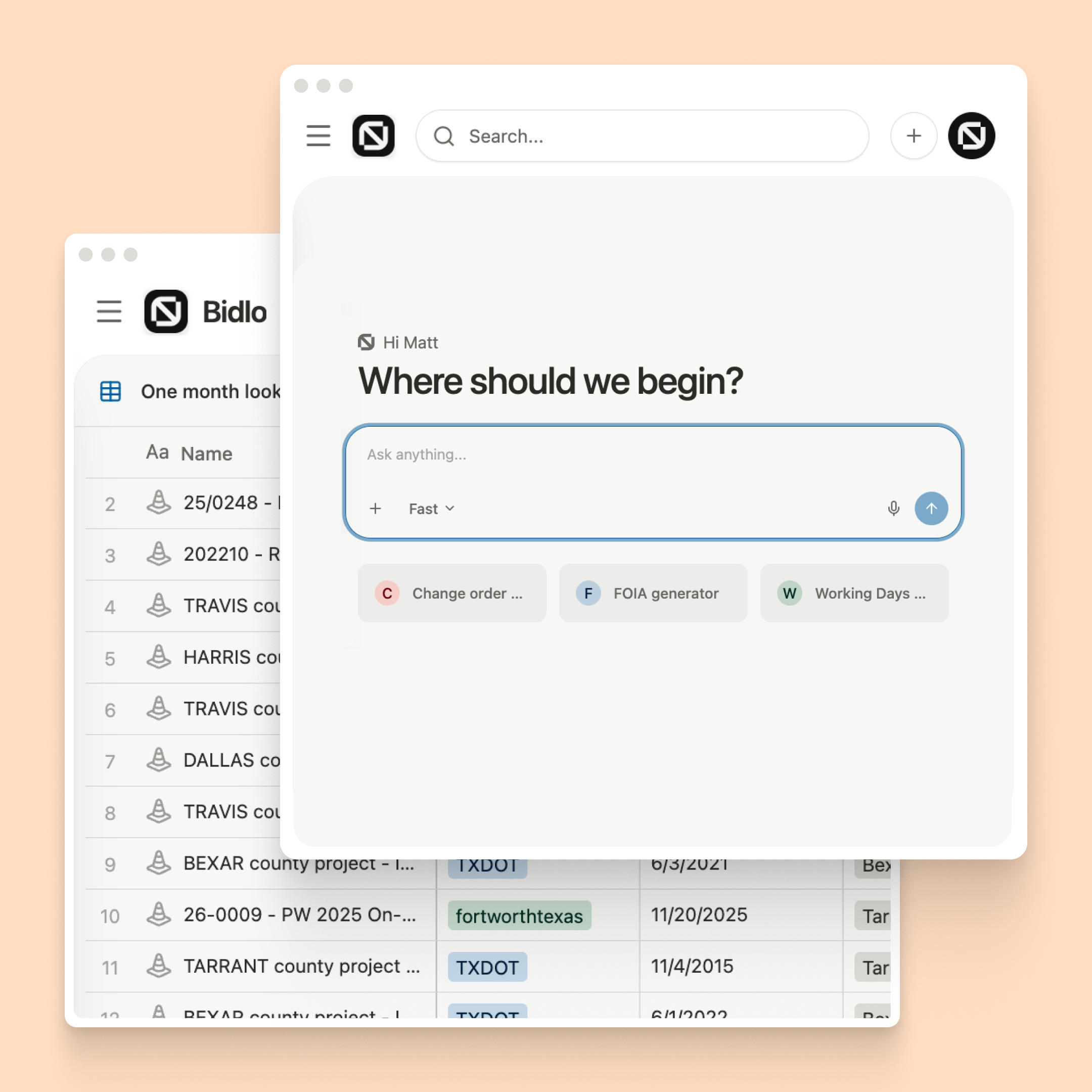
Open a new page the instant you ask for one with +. Type “kanban board” to open a board, or describe a table and let the page-building assistant choose the data, add fields, and name the page. New-page descriptions now route to the correct builder instead of sending nearly every request to one general builder.
If you prefer to choose, Bidlo suggests useful views based on how you and your team work. Each layout opens in the correct empty state, and the data choice appears exactly when you need it. Choose App, and the page itself becomes the app, with one name, icon, sidebar entry, and sharing flow.
Use the Share button in the page header to find teammates and give them Can edit or Can view access. Shared pages move into a dedicated Shared section for both the owner and everyone invited. The same panel also holds web publishing. Moving a shared page back to Private or Public explains who will gain or lose access before anything changes.
View improvements — Long formulas display correctly in the editor, and date-filter preview calendars now highlight the days the filter actually matches.
Faster sorted and notification views — Views sorted by two fields and views built from saved lists now load noticeably faster.
Clear formula failures and reliable views — Formula cells show error and retry statuses instead of loading forever, while grouped and filtered views avoid an intermittent loading error.
Large views load in under a second — Date, relation, search, filter, sort, and grouping operations are much faster across large collections.
Safer formula and dashboard setup — New formulas wait until their fields are saved, transient errors trigger another attempt, and dashboard cards now use the same description-first builder as pages.
The formula assistant understands your data — It can see which fields are allowed across related collections, check real tag and linked-item values, and explain unsupported relation paths.
Saved formulas pick up planner improvements — Existing formulas use execution improvements automatically without requiring you to edit and save them again.
Formula recalculation keeps up under load — Large collections and dependent formulas recalculate faster. Work is shared fairly, and rapid edits keep one consistent version.
Formula backfills start reliably — A new formula begins filling in even while other recalculations are running, and invalid sidebar drops no longer hide pages.
Dictate or attach files to the formula assistant — Speak a formula or attach screenshots and files while the full editor stays visible wherever its table cell sits.
See which formulas a field change will affect — When you delete a field, Bidlo lists the formulas that use it and lets you replace the field before anything breaks.
Sort groups by count or calculation — Order groups by item count, sum, average, or another numeric calculation, and convert a view to a dashboard from the layout menu.
Dependent formulas finish cleanly — Rollups over calculated columns stay fast, interrupted work resumes, and progress shows what a recalculation is waiting for.
Chat starts faster and stays in the right mode — App builder, page builder, and agent conversations keep the correct tools and target, while new-page routing handles retries more reliably.
Chat replies start about twice as fast — Everyday answers begin sooner, file tasks reconnect to their existing workspace, and long turns explain when they need another attempt.
Activity and notifications share one inbox — Review New, Older, Unread, and Archived items in one stream, then archive items or change their read status without opening each one.
Search for a page when inserting a page block — The page block command searches your workspace and inserts a preview card that opens the linked page in the side panel.
Embedded view filters stay personal until published — Filter and sort Views tabs without changing them for everyone, then reset or save the changes for the team.
More reliable Notes and team setup — Assistant-created files return as document cards, dialogs consistently dim the page, and teams without a contractor now open correctly.
Custom apps keep one name and sharing experience — Shared-app sign-in works, names and icons stay in sync, and shared apps use the same card design as recently visited apps.
Move, resize, and re-dock floating chat — Place chat anywhere on the screen, resize it from any edge, and drag it back into the sidebar when you are done.
See real progress while a PDF opens — Large plan sets show download progress, preparation status, and page placeholders instead of a blank panel.
Measured shapes stay solid while you edit — Dragging areas, lengths, and vertices preserves their geometry and stays responsive on sheets with many markups.
Know whether a PDF is ready for AI — The header shows AI readiness and lets you start or retry parsing if a file was missed.
Cleaner navigation and PDF controls — Duplicated pages stay beside the original, the collapsed-sidebar control remains reachable, and the PDF tray explains the difference between Ask AI and AI measure.